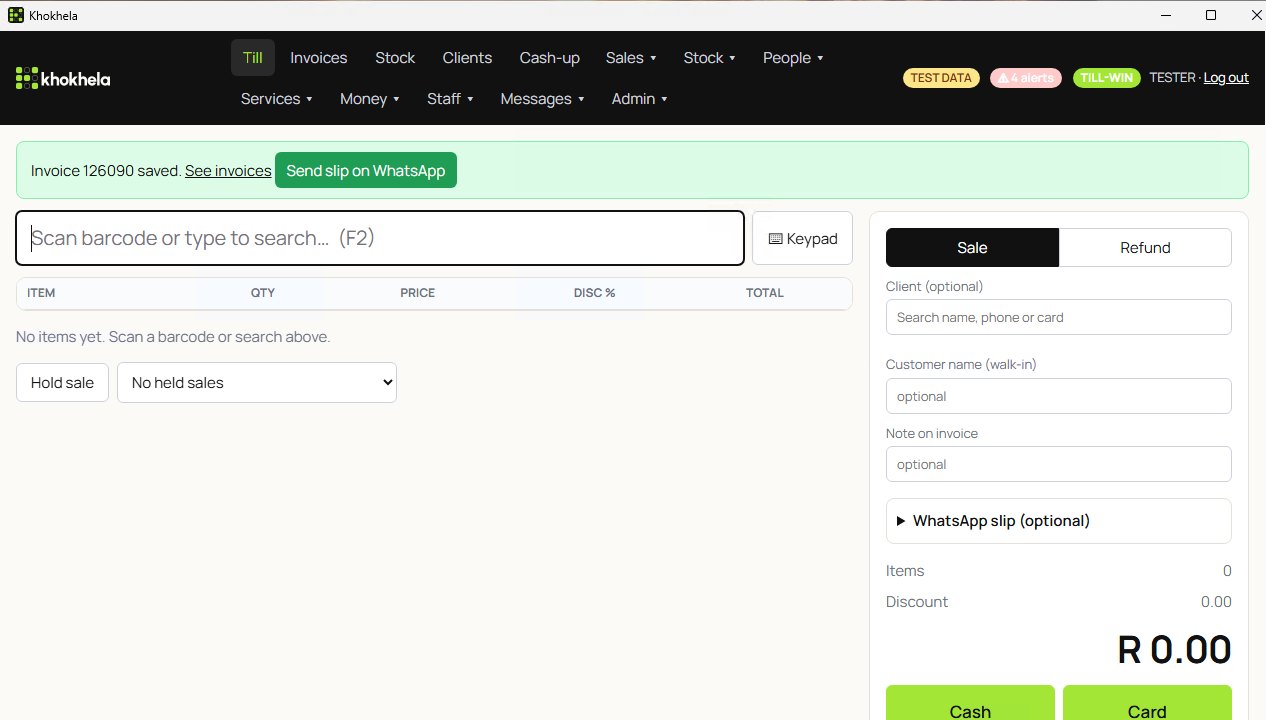
Ring up a sale
Scan a barcode or search, set the quantity and any discount, and take cash, card, or split the payment. Discounts stay within the limits you set.
Khokhela POS · Windows first · Coming soon
Ring up sales, print or WhatsApp the slip, cash up at closing, and keep selling when a till loses its connection. Built for South African shops, in Rand, running on the shop’s Windows PC.
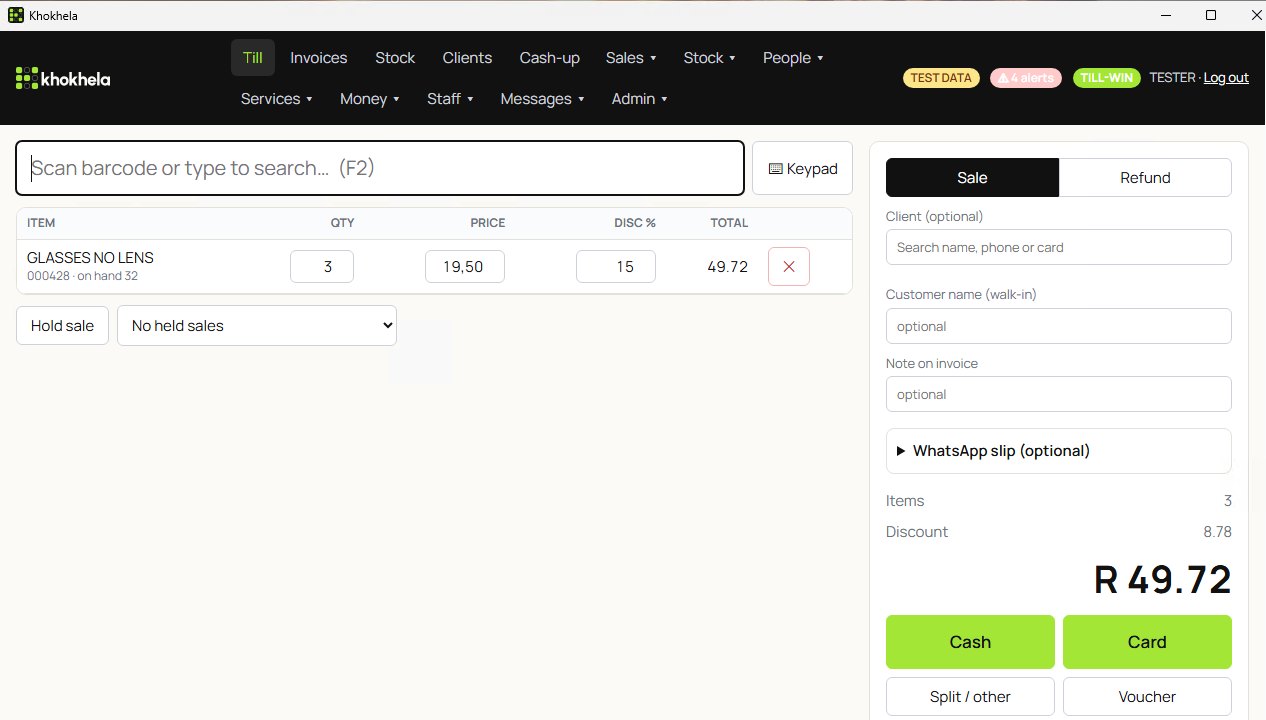
The Windows test build. Test data; shop details hidden.
These are real screens from the Windows test build of Khokhela POS, not mock-ups. The figures are test sales, and the shop’s own name and address are hidden.
Scan a barcode or search, set the quantity and any discount, and take cash, card, or split the payment. Discounts stay within the limits you set.
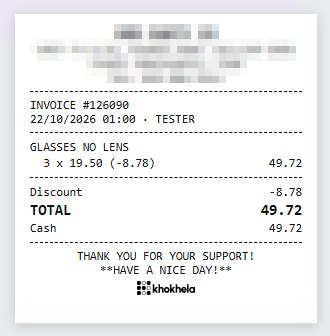
Every sale gets a slip on a standard 80 mm slip printer. Your VAT number prints on it once it’s a valid South African VAT number.
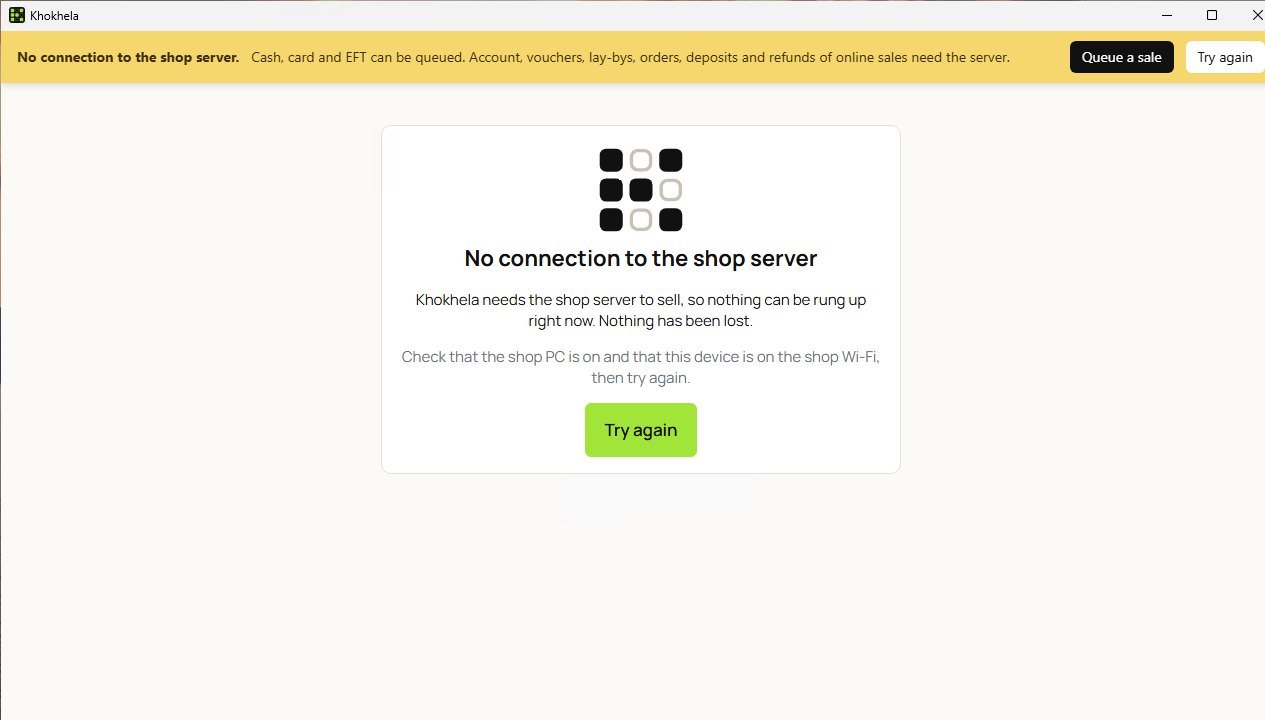
Sales are kept on the shop PC. If a till can’t reach it, the till keeps taking cash, card and EFT sales and syncs them when it’s back online.
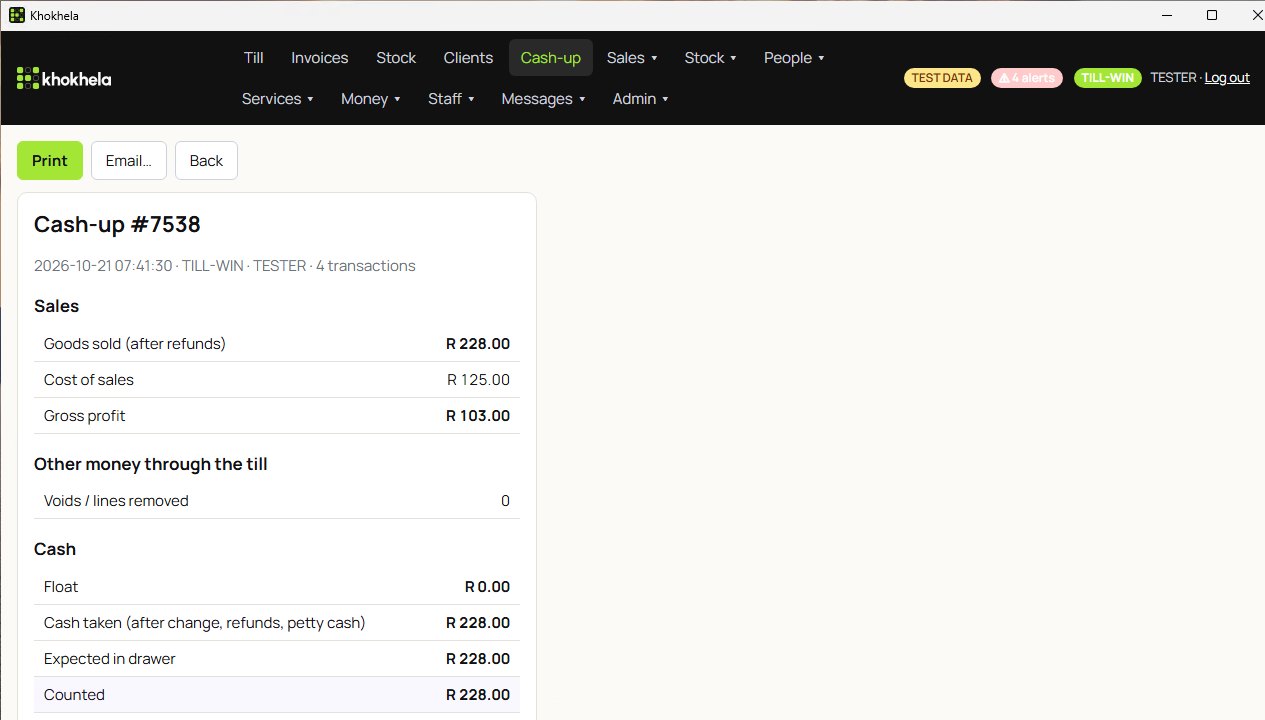
Each till’s cash-up shows what was sold, the gross profit, and the cash expected in the drawer against what you counted.
If the customer agrees, Khokhela opens WhatsApp on the till with the slip typed in. The cashier checks it and presses send. Khokhela doesn’t send messages for you.
Refund against the original sale, never more than was paid, and with a reason every time.
See how many are on hand while you ring up, and the value of your stock on any date.
Tills on the shop’s network share one set of sales, stock and cash-ups on the shop PC.
A slideshow of real screens from the Windows test build. No sound.
Khokhela (kho-KHEH-la) is isiZulu for “pay for”.
We're building it now. Join the waitlist and we'll email you when it's ready for you to try.
Pricing isn't set yet. People on the waitlist will hear first.
Windows first. Khokhela runs on a Windows PC in the shop, with Windows tills on the same network. We’re not promising other devices yet.
No. Sales are kept on the shop PC. If a till loses its connection, it keeps taking cash, card and EFT sales and syncs them when it’s back online. Things like account sales, vouchers and lay-bys wait until it’s connected again.
No. When the customer agrees, Khokhela opens WhatsApp on the till with the slip typed in, and the cashier presses send.
We only use it to tell you about Khokhela POS. You can ask us to delete it at any time. Read the privacy notice.